Daniel: The All-Caps Font for Bold, Unforgettable Design
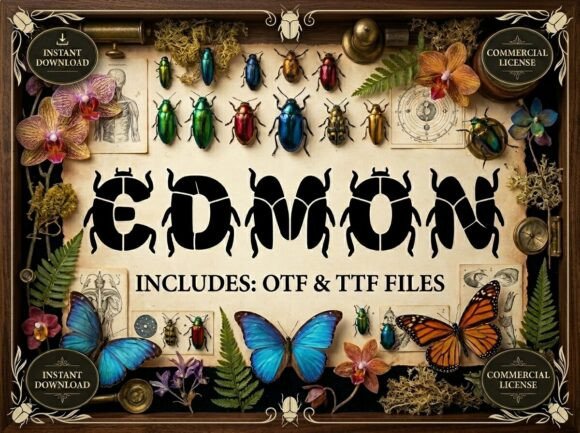
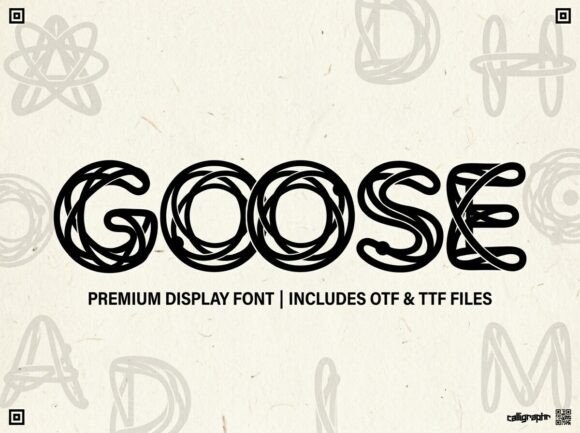
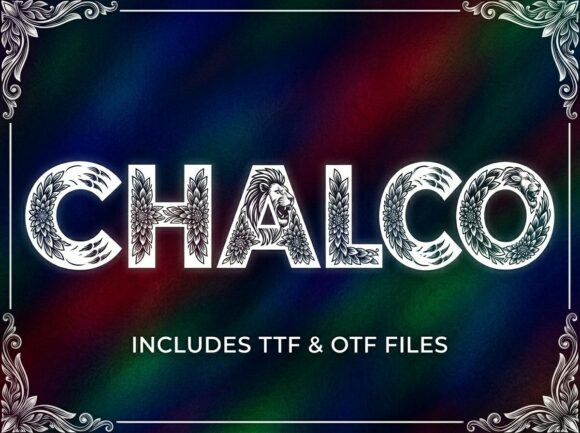
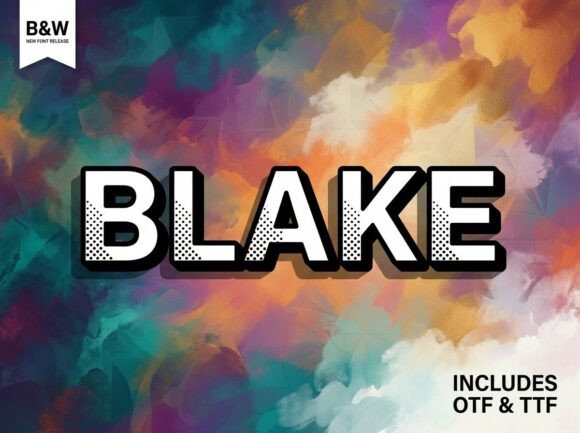
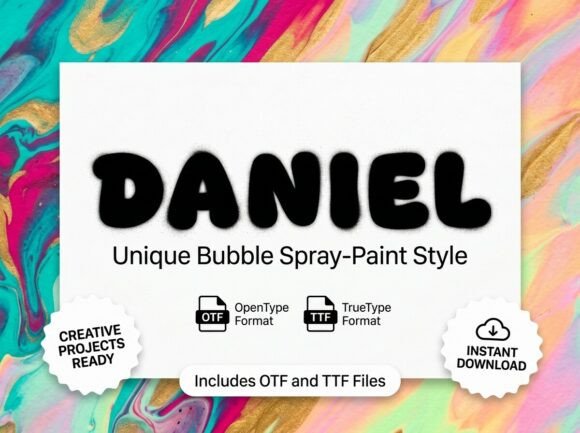
Every so often, a typeface comes along that doesn't just sit quietly on the page—it demands a room. Daniel is that kind of font. It's a stunning decorative display typeface built for moments when ordinary lettering won't cut it. With its unique artistic elements and strong visual personality, Daniel is designed to be the center of attention, making it a powerful tool for anyone looking to inject serious visual impact into their work. Whether you're crafting a logo, designing packaging, or creating a poster that needs to stop people in their tracks, this is a font that understands the assignment.
A Typeface with Personality and Purpose
What makes Daniel stand out in a sea of available fonts? It starts with its character. This isn't a neutral, background typeface. Each letterform is crafted with deliberate artistic flair, giving it a distinctive voice that feels both modern and timeless. The strong visual personality means it immediately conveys a sense of confidence and creativity. Think of it as the typographic equivalent of a signature piece of jewelry or a statement wall in a room—it’s there to define the aesthetic.
Crucially, Daniel is an all-caps display typeface. This is a key detail that shapes how and where you’ll use it. The absence of lowercase letters isn’t a limitation; it’s a design choice. Display fonts like Daniel are engineered for high-impact situations where every character needs to work hard. The uppercase forms are often more detailed, balanced, and visually consistent, which is essential for headlines, logos, and decorative initials where legibility at a glance and artistic integrity are paramount. It’s specifically built for those bold, attention-grabbing moments.
Where This Creative Font Truly Shines
Understanding a font's ideal use cases is half the battle in effective design. Daniel’s strengths lie in applications where you need to make an immediate impression. Its versatile yet bold nature makes it a fantastic asset across numerous projects.
Branding and Logo Design: For entrepreneurs and small business owners, a logo is the cornerstone of brand identity. Daniel can serve as the primary wordmark for a brand that wants to project creativity, boldness, and a distinct personality. Imagine it for a boutique coffee roaster, an independent design studio, a unique apparel line, or a artisanal craft business. The font itself tells a story of craftsmanship and attention to detail.
Packaging and Product Design: On a crowded shelf or in an online store, packaging has mere seconds to capture interest. Using Daniel for product names or key descriptors can elevate the entire unboxing experience. It works beautifully on labels for gourmet foods, cosmetics, vinyl records, or specialty goods, adding a layer of premium, artistic value that communicates quality before the product is even used.
Marketing and Social Media: In the fast-scroll world of social media, graphics need to be instantly engaging. Daniel is perfect for creating standout Instagram story headers, YouTube thumbnails, Facebook ad graphics, and quote posts. Its boldness ensures your message isn’t missed. For marketing assets like flyers, posters, and email headers, it provides the visual punch needed to improve click-through rates and audience engagement.
Editorial and Web Design: While it’s not for body text, Daniel can transform the layout of a magazine, blog, or website. Use it for striking article titles, chapter headings in a digital book, or a hero section on a homepage. Paired with a clean sans-serif or serif font for the body copy, it creates a beautiful hierarchy that guides the reader’s eye and enhances overall readability and visual consistency.
Invitations and Print Projects: For event invitations, greeting cards, or wedding stationery, Daniel adds a touch of artistic sophistication. It’s ideal for the names of the hosts or the event title, setting a memorable tone right from the start. Similarly, for posters or merchandise like t-shirts and tote bags, its decorative nature translates perfectly to physical items where artistry is valued.
Practical Tips for Using Daniel Effectively
Adding a new premium font to your toolkit is exciting, but using it effectively requires a bit of strategy. Here’s how to get the most out of Daniel and ensure it serves your project’s goals.
Font Pairing is Key: A display font like Daniel rarely works well alone in long-form content. The magic happens when you pair it thoughtfully. For a modern, clean look, pair it with a simple sans-serif like Montserrat or Lato for body text. For a more classic or editorial feel, combine it with a readable serif like Lora or Merriweather. The contrast between the artistic display font and the functional body font creates visual interest and maintains professionalism.
Consider Readability and Context: Because Daniel is an all-caps display font, its primary role is for short, high-impact text. Always prioritize readability for your core message. Use it for headlines, subheadings, logos, and pull quotes, but reserve longer paragraphs for a font designed for extended reading. Test your designs at different sizes to ensure the artistic details remain clear and effective on both mobile screens and printed materials.
Review the Included Files: Upon purchase, you’ll receive both OTF and TTF files. The OTF (OpenType Font) file is the professional standard, offering the most advanced features and compatibility with design software like Adobe Creative Suite. The TTF (TrueType Font) file ensures universal compatibility across virtually all devices and operating systems, making it perfect for web use or sharing files with clients who may not have advanced design software.
Understand the Licensing: This is a critical, often overlooked step. Before using Daniel in any commercial project—a client’s logo, product packaging, or merchandise for sale—ensure you have the correct commercial license. The license that comes with the font purchase typically covers these uses, but it’s your responsibility to review the terms. This protects you, your client, and the type designer’s work.
Choosing the right typeface is a fundamental part of visual communication. Daniel offers a compelling solution for projects that need to break away from the ordinary. It’s more than just letters on a screen; it’s a design asset that can help strengthen brand recognition, elevate professional presentation, and create a lasting connection with your audience. By understanding its personality and applying it strategically, you can turn a simple headline into a memorable piece of art.